With the growing reliance on instant messaging solutions, WhatsApp Business has emerged as an important communication channel for connecting businesses with their customers in a professional and seamless manner. This app, owned by “Meta,” offers features tailored for business owners that allow them to manage conversations and organize services more efficiently.
In this article, we’ll take a closer look at WhatsApp Business, review its pros and cons, and explore how to set up a WhatsApp Business account that helps us achieve our goals. Let’s get started.
What Is WhatsApp Business?
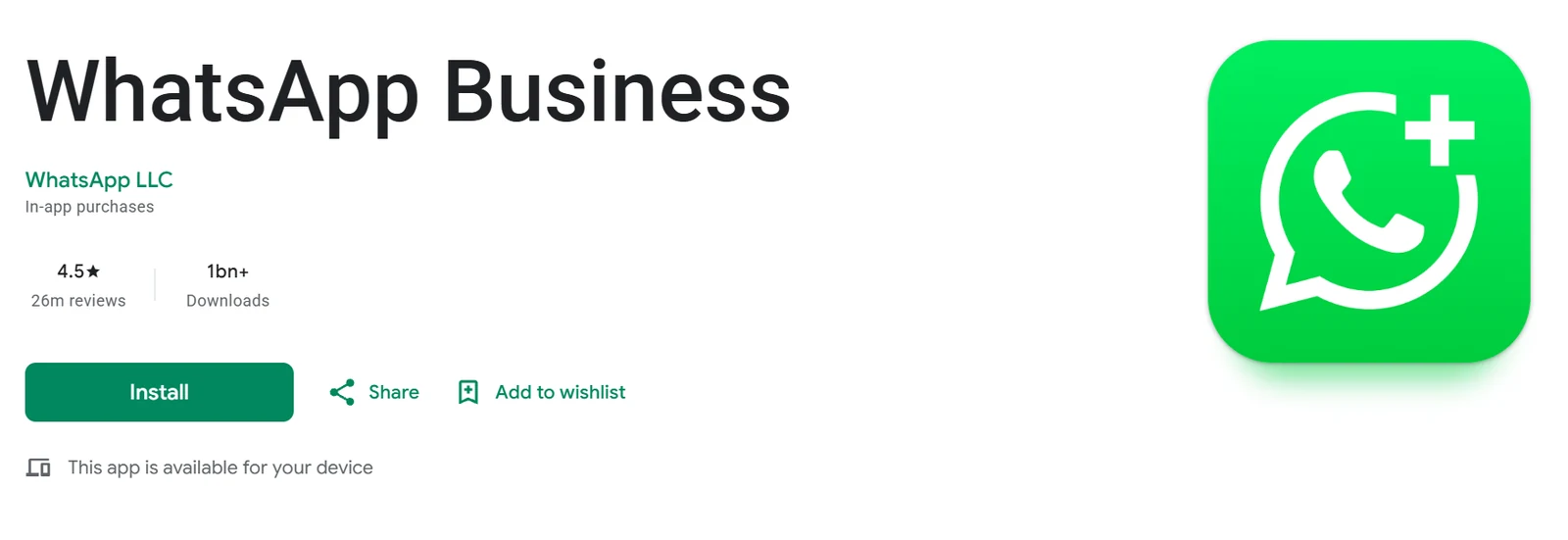
WhatsApp Business is a mobile app that you can download from the Google Play Store if you’re an Android user, or from the App Store if you’re an Apple user. It’s designed to help businesses communicate with their customers. With it, you can easily exchange text and voice messages and send and receive photos, videos, and files from your customers.
What’s the Difference Between WhatsApp Business and Regular WhatsApp?
There are many similarities between WhatsApp Business and the regular version of WhatsApp: both are free to download, with some paid features in WhatsApp Business, and both can be downloaded to a mobile phone as a messaging app. However, the main difference between the two versions is that WhatsApp Business is designed for businesses of all sizes and provides them with a professional experience when communicating with their customers, whereas the personal version of WhatsApp is intended for communicating with friends and family and is not suitable for use in a work environment.
How to Create a WhatsApp Business Account
To get a WhatsApp Business account and start using it to communicate with your customers, follow these steps.
– Go to the App Store if you’re using an iPhone, or the Google Play Store if you’re using an Android device, and download WhatsApp Business onto your phone. Then open the app and agree to the terms and conditions required for use.
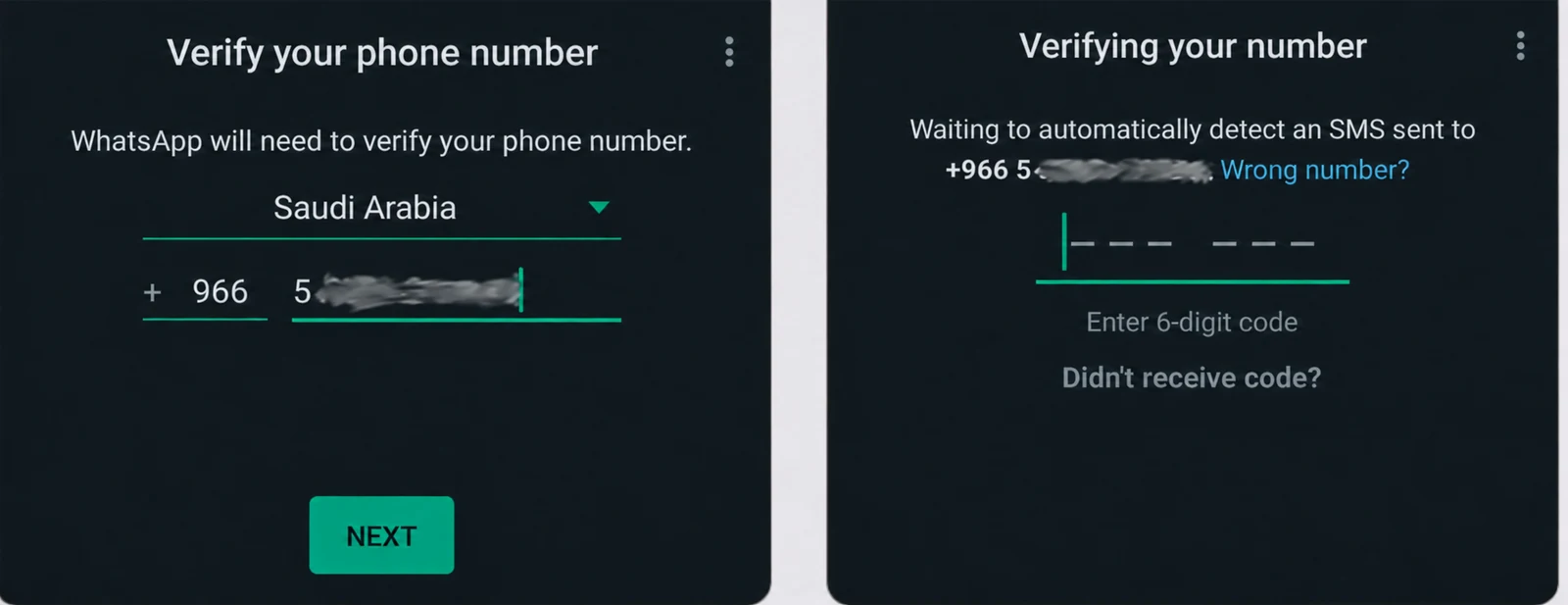
– Select the country from which you’ll be using WhatsApp Business, then enter your phone number. You’ll receive a six-digit verification code. Enter it to continue.
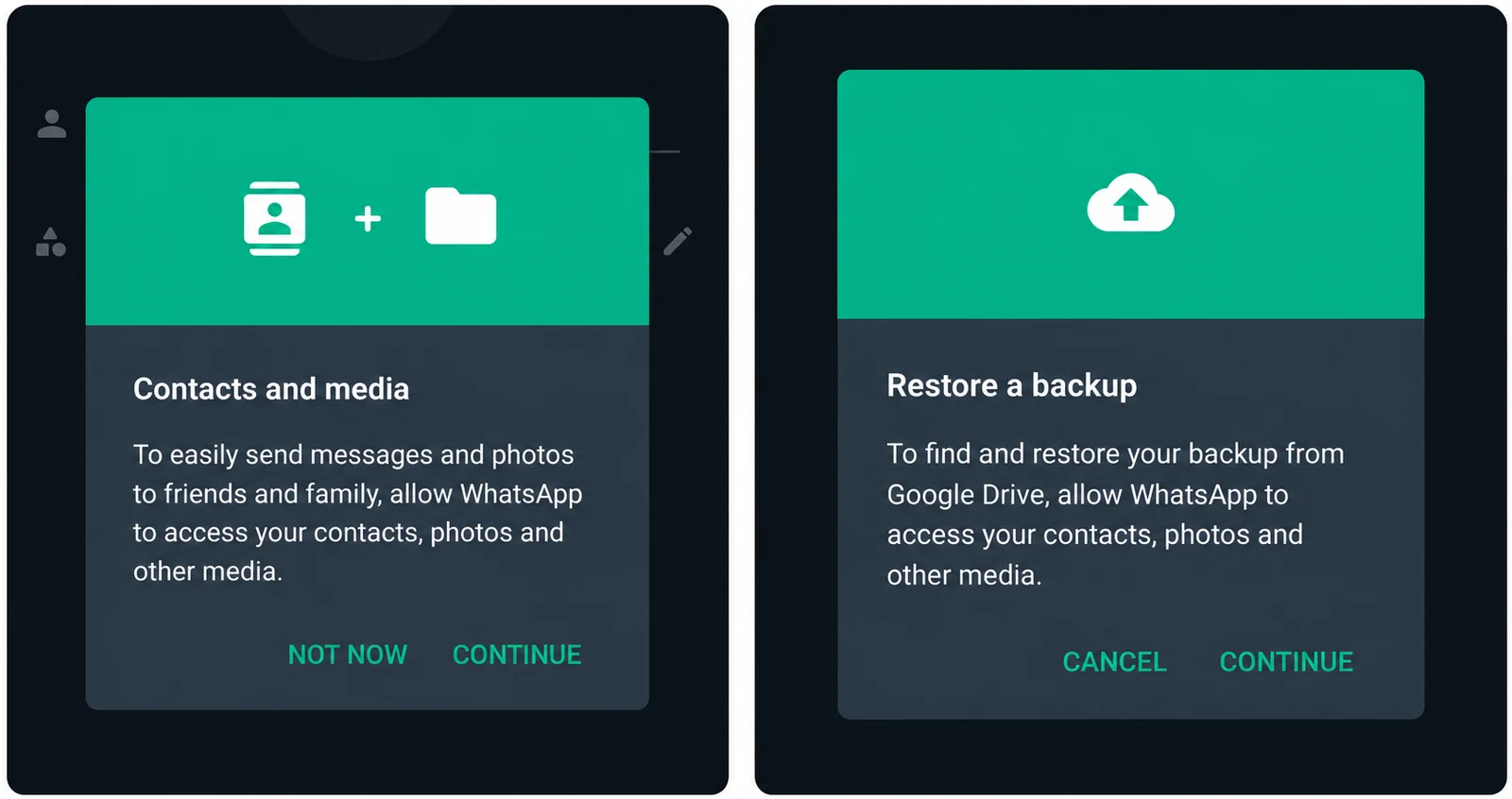
– Allow WhatsApp Business to access the contacts on your phone so you can communicate with them, and also allow it to access your photos and videos so you can use them in your messages with your customers.
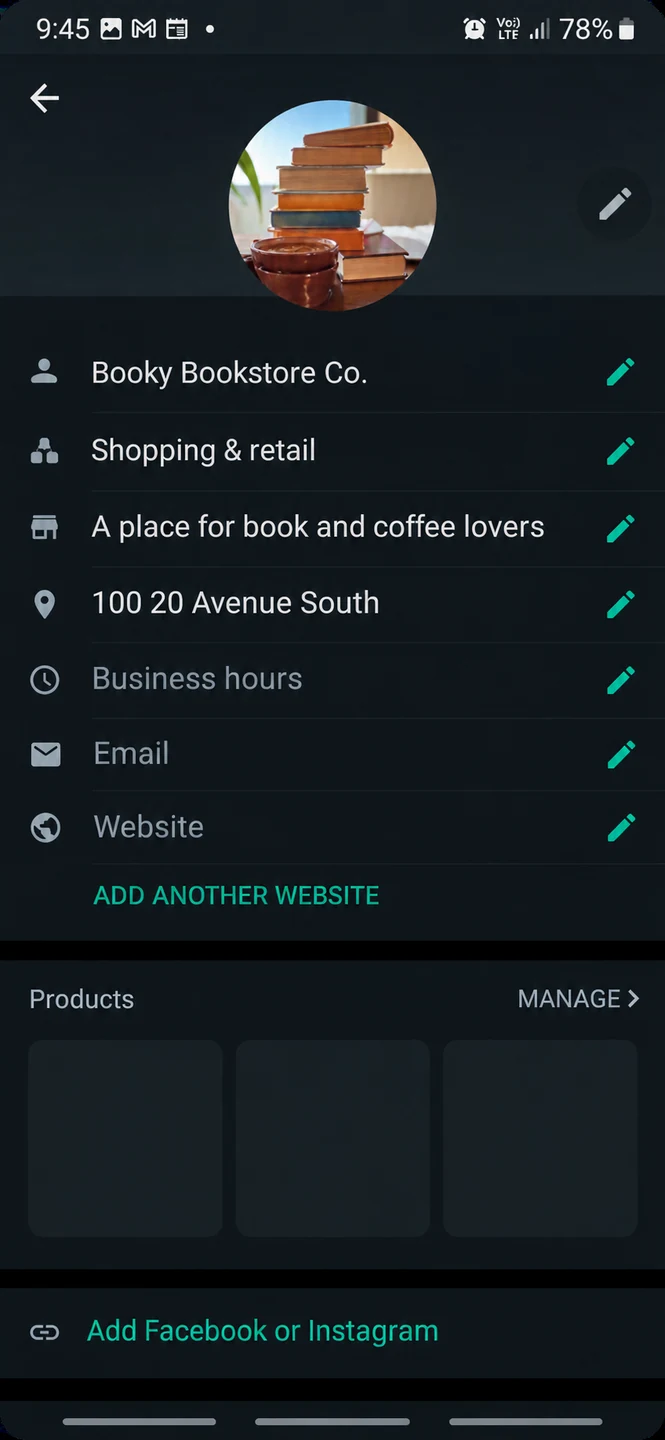
– At this stage, you can add your brand name, upload a profile picture that represents your brand, specify the type of business you operate, add a description of your business within a 256-character limit, and include your business address so customers can find you.
Benefits of WhatsApp Business for Your Business
There are many benefits your business can gain from having WhatsApp Business among your available tools, and below we’ll review the most important of these benefits together.
Popularity Among Users
With WhatsApp’s user base exceeding 2 billion people worldwide, it’s remarkable that the app isn’t limited to a specific age group but is widely used across all age groups. Consequently, it’s only natural that you’ll find your target audience among this vast number of users.
Welcome Messages and Away Status
consists of pre-written messages designed to reach your new customers who are contacting your business for the first time, in order to welcome them. As for your existing customers, they’ll benefit from out-of-office messages, which they’ll receive when they contact you outside of business hours. These messages demonstrate your concern for the customer and make it clear that you’ll get back to them as soon as your business hours resume.
Quick Replies
Quick replies are saved messages for frequently asked questions. To use one, type “/” in a chat, select the reply, edit it if needed, and tap Send.
Product Catalog
Feature WhatsApp Catalog allows your customers to browse your products, view images of each product, and see the price required to purchase it—all without having to leave WhatsApp. This feature can help you increase your sales and generate more profits.
Broadcast Lists
is one of the features of WhatsApp Business that helps you send messages to multiple contacts at once without having to create a WhatsApp group. This feature is extremely useful for promotional offers and general announcements to your customers.
WhatsApp Business Limitations
Although WhatsApp Business has many great features, it also has a number of drawbacks, which we’ll explore in the next section of today’s topic.
Limitations on broadcast messages
A traditional broadcast list in WhatsApp Business supports up to 256 contacts. If you need to reach a larger audience, review the messaging options available to your business.
Linked Device Limits
WhatsApp Business supports a primary phone and up to four linked devices by default. Eligible Meta Verified subscribers may be able to use up to ten devices in total, depending on availability. The limit counts devices rather than individual employees.
Verification and Integrations
Meta Verified offers a verification badge to eligible businesses where the subscription is available. Businesses can integrate with CRM systems through the WhatsApp Business Platform API. Meta also lets eligible businesses use the app and API with the same phone number.
Automation Options
The app offers greeting messages, away messages, and quick replies. For a custom chatbot or more advanced workflows, you can use the WhatsApp Business Platform API with a provider such as Azeer.
Running WhatsApp Business Web
You can use your WhatsApp Business account on a computer through WhatsApp Web by linking your browser to your primary phone.
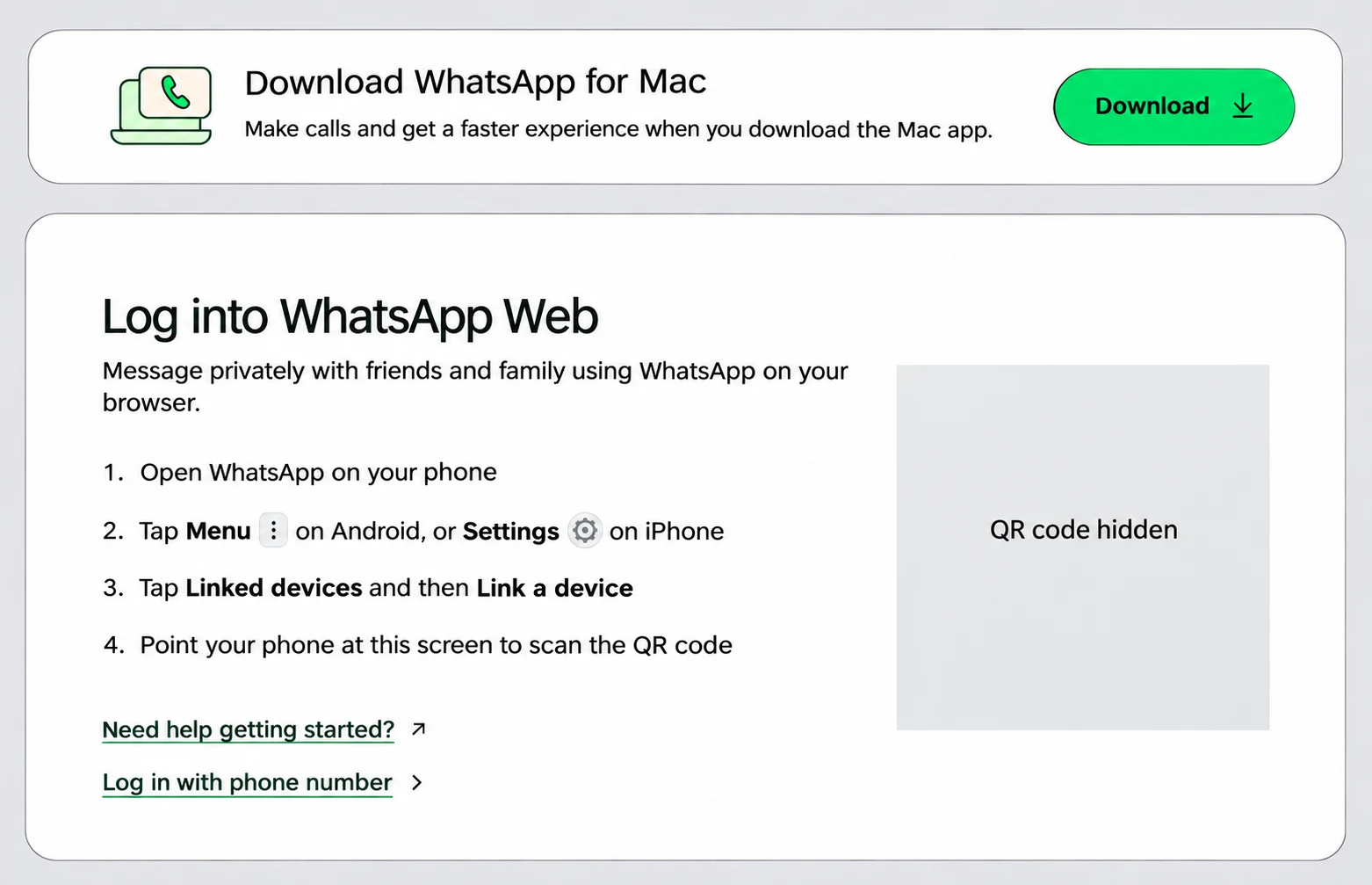
– Open WhatsApp Web on your computer.
– Open WhatsApp Business on your primary phone. On Android, open the three-dot menu. On iPhone, open Settings. Select Linked devices, then Link a device.
– Scan the QR code displayed on your computer using your phone. Use the code shown on the live WhatsApp Web page when linking your device.
Conclusion
If your team needs to connect WhatsApp conversations to its systems or automate more advanced workflows, book a consultation with Azeer to review WhatsApp Business Platform API options and check whether your current number is eligible.
Frequently Asked Questions
Can WhatsApp Business be installed as an app on a computer?
Yes. Download WhatsApp for desktop, then link it through Linked devices in WhatsApp Business on your primary phone, as described in the WhatsApp Web steps.
Can the WhatsApp Business API be downloaded from Google Play or the App Store?
No, it’s not a mobile app but a platform you access through a service provider.