WhatsApp broadcast messages provide a feature that helps businesses communicate with their customers quickly and with minimal effort. They have been one of the key factors driving the effective use of WhatsApp across various business sectors, especially given how easy they are to set up and the low cost to your business.
So how do you set them up? And are there any drawbacks to sending broadcast messages to your customers on WhatsApp? That’s what we’ll explore in the following paragraphs of today’s article.
The Concept of WhatsApp broadcast messages
WhatsApp broadcast messages allow your business to send a specific message to a list of customers at the same time, so you don’t have to send the same message to each customer individually. For example, if you have 100 customers whose subscriptions to a specific plan are due to renew in three days, you can send broadcast messages reminding them of the renewal date.
This differs from WhatsApp groups: with WhatsApp broadcast messages, members cannot see each other, know who has read the message, leave the message list, or turn off notifications, as is the case with WhatsApp groups. All you need to do to send broadcast messages to your customers via WhatsApp Business is for the customer to save your business number; otherwise, the messages will not reach them.
How to Set Up a WhatsApp Broadcast List
Open WhatsApp Business, then tap the three-dot menu at the top of the Chats tab.

From there, tap “New Broadcast.”
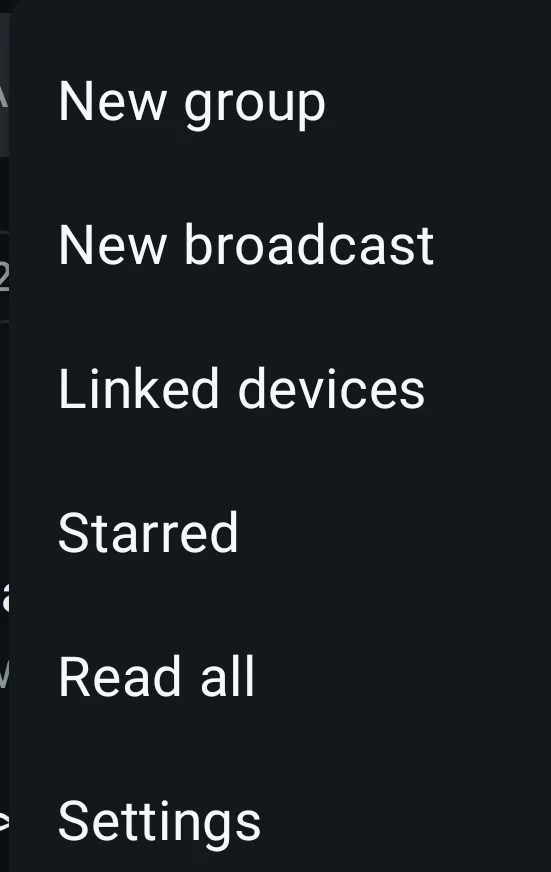
Next, select the contacts you want to add to your WhatsApp broadcast list, then start using it to communicate with your customers.
Benefits of Setting Up a WhatsApp Broadcast List
The WhatsApp broadcast list offers your business many benefits—let’s explore them in the following points.
Customer Privacy
In the WhatsApp broadcast list, customer numbers are visible only to the business owner; therefore, none of the customers you message can view another customer’s information. Each customer receives the message in a private chat.
Personalized Messages
WhatsApp bulk messages reach each customer as if the business were messaging them individually, adding a personal touch to the correspondence and protecting the communication between you and the customer from the confusion and message overlap that occurs when relying on WhatsApp groups.
Ease of Sending Information
Whether it’s an update, a customer alert, or even promotional messages about new offers for your business, you’ll be able to quickly send them to a specific number of customers you want to reach—without having to contact each customer individually or create a WhatsApp group and prevent customers from sending messages in it.
Drawbacks of WhatsApp broadcasts
Despite the aforementioned advantages of setting up WhatsApp broadcast lists, there are some drawbacks we should discuss. Let’s take a look at them below.
WhatsApp Messaging Limits
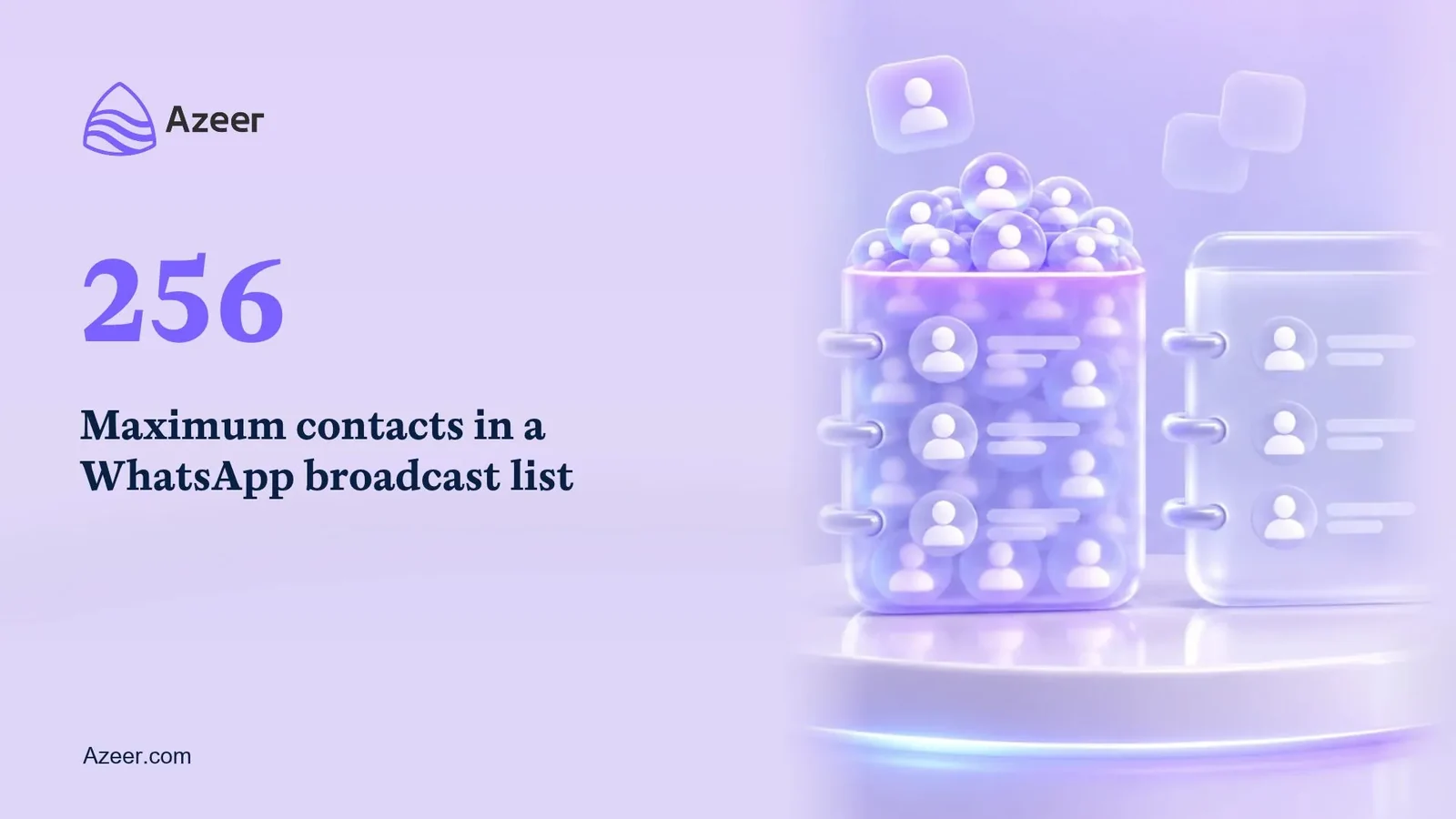
A traditional WhatsApp broadcast list supports up to 256 contacts per list. To reach more customers, you can create additional broadcast lists or use the WhatsApp Business API within your account’s messaging limits.
Media Restrictions
It’s true that you can send media such as photos and videos in WhatsApp broadcasts, but there are also restrictions on these media files regarding the file sizes you send to your customers. For videos, for example, the file size must not exceed 16 megabytes.
Message Data
WhatsApp broadcasts do not allow you to know exactly when each customer receives a message or when they read it. Consequently, it becomes difficult for your business to understand how customers interact with and respond to your messages, making it hard to develop a plan to improve your communication process.
Message Receipt Requirements
WhatsApp broadcast messages can only be sent to customers who have saved your business number on their phones. Therefore, even if you have a list of customer numbers—and even if you obtained them legally—and the customer has subscribed to receive messages from you, you will not be able to add them to a broadcast list. This issue—and even the ones mentioned earlier—can be resolved by using the WhatsApp Business API for messaging.
Introduction to the WhatsApp Business API
This version of WhatsApp is not an app you download from the Google Play Store or the Apple App Store; rather, it is a platform you access through a partnership with a service provider. Through this provider, you gain access to a platform that helps you connect your company’s employees and manage tasks among them, while also using it to store your customer data, utilize it for marketing campaigns, and provide efficient customer service.
The WhatsApp Business API lets businesses reach audiences beyond the size of a traditional broadcast list. Meta limits how many unique recipients a business can start messaging outside the customer service window over a rolling 24-hour period. The limit varies by business account tier. Businesses can also connect tools such as chatbots to manage customer replies.
WhatsApp Business API and Sending Bulk Messages
Using the WhatsApp Business API to communicate with your customers and send broadcast messages offers many benefits, which we’ll review below.
Using Secure Templates
Whether for promotional messages, customer service messages, or even alerts, you’ll need to use one of the message templates to message your customers via the WhatsApp Business API. These templates must be submitted to WhatsApp for approval before you can use them, so you must ensure they comply with WhatsApp’s standards and do not contain any violations that could put your account at risk of being banned or suspended.
Recipients Don’t Need to Save Your Number
Customers do not need to save your business number to receive messages via the WhatsApp Business API. Obtain their permission to receive messages and use an approved template when initiating contact outside the customer service window.
Scheduling Option
You can schedule bulk WhatsApp messages using the API version so that your messages reach your customers at a specific time, without having to do it manually. This automation feature makes it much easier for you to reach a large segment of your target customers, whether you’re sending an important update or following up on a promotional offer with customers who have interacted with it in a specific way—thereby improving the results you achieve from this communication.
Chatbot
The chatbot handles customer responses after they receive bulk WhatsApp messages from your WhatsApp API account. With advanced chatbot versions, such as AI-powered chatbots, you can provide customers with effective, immediate responses at any time of day and follow up with them on promotional offers and customer service matters—all without needing to assign a large number of employees to do so. This saves you money and delivers better results.
Conclusion
If you need to reach a larger audience via WhatsApp broadcasts, the Azeer team can help you connect your number to the WhatsApp Business API and set up campaigns within your account’s messaging limits.
The next step is to book your free consultation session with the Azeer team, who will act as your service provider for accessing the WhatsApp API. Our team will ensure your account is up and running and will provide you with the necessary tips for creating the best broadcast messages to help you achieve success with Azeer.
Frequently Asked Questions
Can changes be made to a broadcast list on WhatsApp for a business?
Yes. After opening WhatsApp Business, go to the “Broadcast Lists” section, select the list you want to edit, tap the three dots at the top, then select “Edit Broadcast List” (Edit Broadcast List), so you can add contacts to replace others. Once you’ve finished editing, save the list.
Can a broadcast list be deleted on WhatsApp Business?
Yes, after logging into WhatsApp Business and going to Broadcast Lists, select the list you want to delete, then tap the three dots at the top, and select the option to delete the broadcast list (“Broadcast List”), and it will be removed.